
Government Services Portal
A secure, accessible video‑chat experience that modernizes how citizens connect with government support.
Overview
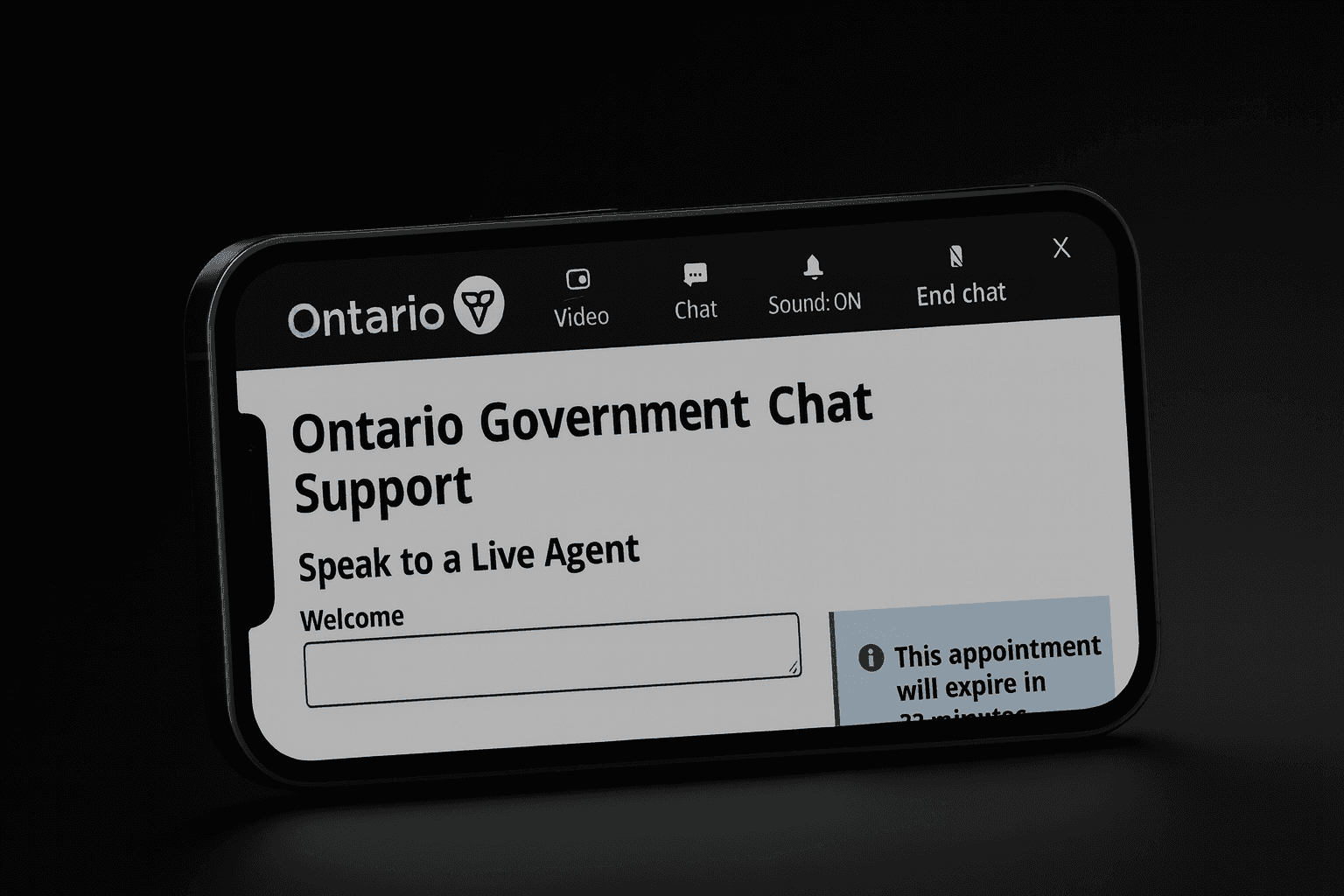
The Ministry of Public and Business Service Delivery needed to modernize its citizen support experience by integrating secure video chat into the existing live chat system. The goal was to create a seamless and accessible escalation path for users who needed real-time assistance while meeting strict government requirements for privacy, accessibility, and technical feasibility. The redesign needed to support a diverse population, accommodate assistive technologies, and function reliably across devices and network conditions.
Problem
Citizens often struggled with unclear escalation triggers, confusing transitions between chat and voice channels, and inconsistent messaging, making the experience unpredictable. Accessibility barriers also created friction for screen reader and keyboard users. Research revealed something even more important. Many citizens strongly preferred speaking face-to-face with an agent rather than relying solely on text-based live chat. They felt more confident and reassured when they could see and hear a real person, especially when dealing with complex or sensitive issues. This preference made the lack of a clear, accessible video chat option a major gap in the existing experience.
Users
Citizens accessing government services across a wide range of devices and abilities
Support agents handling multi-channel interactions
Policy and accessibility teams are ensuring compliance
Engineering teams managing AWS infrastructure and routing logic
My Role
I served as the Experience Designer responsible for research, workflow mapping, usability testing, wireframes, prototypes, interaction design, accessibility alignment, and cross-functional collaboration with engineering, content strategy, and policy teams. I owned the UX from discovery through final validation.
Constraints
Strict privacy and security requirements
AODA and WCAG accessibility compliance
AWS routing and IVR limitations
Authentication and identity requirements
Multi-team alignment across policy, engineering, and operations
These constraints shaped every design decision.
Process
Understanding the Current Experience
I began by mapping the existing live chat workflow end-to-end. Through usability testing, agent interviews, and stakeholder feedback, I identified several friction points:
Unclear escalation triggers
Inconsistent messaging
Accessibility gaps
Confusing transitions between channels
Cross-Functional Collaboration
I worked closely with engineering, content strategy, and policy teams to understand:
AWS routing logic
IVR behavior
Authentication requirements
Accessibility standards
This ensured the new flow was both feasible and compliant.
Designing the New Flow
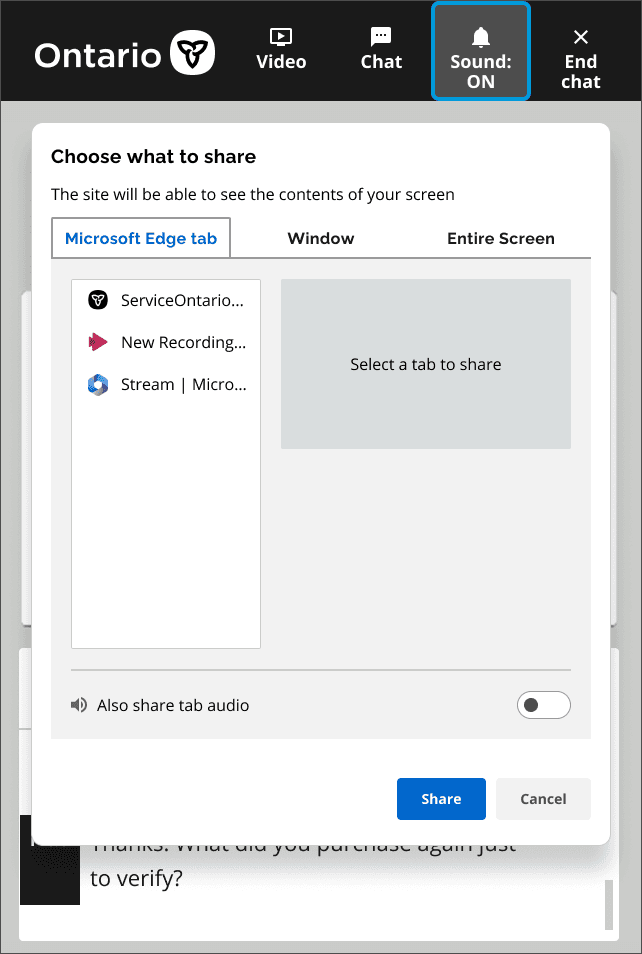
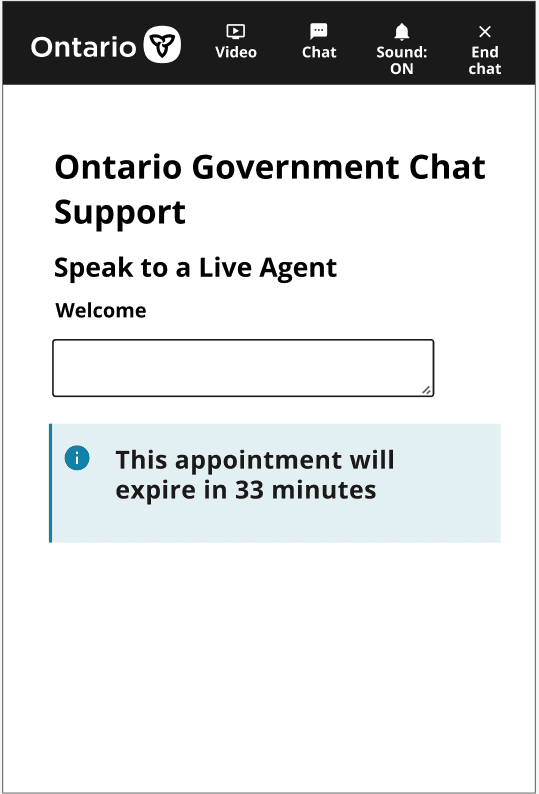
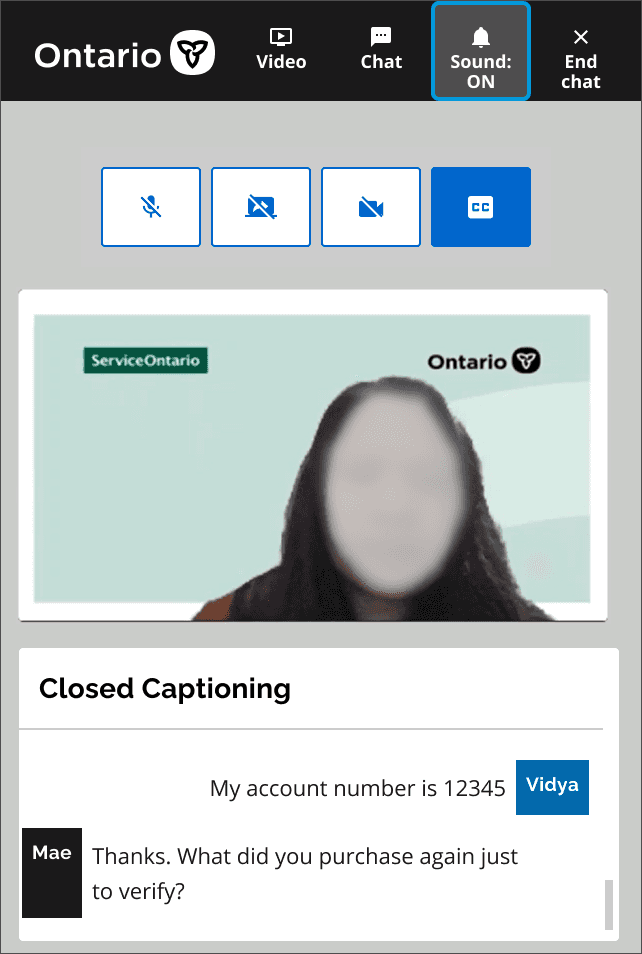
Using Figma, I designed a multi-step video chat experience that emphasized clarity, predictability, and accessibility. The flow included:
Consent and privacy screens written in plain language
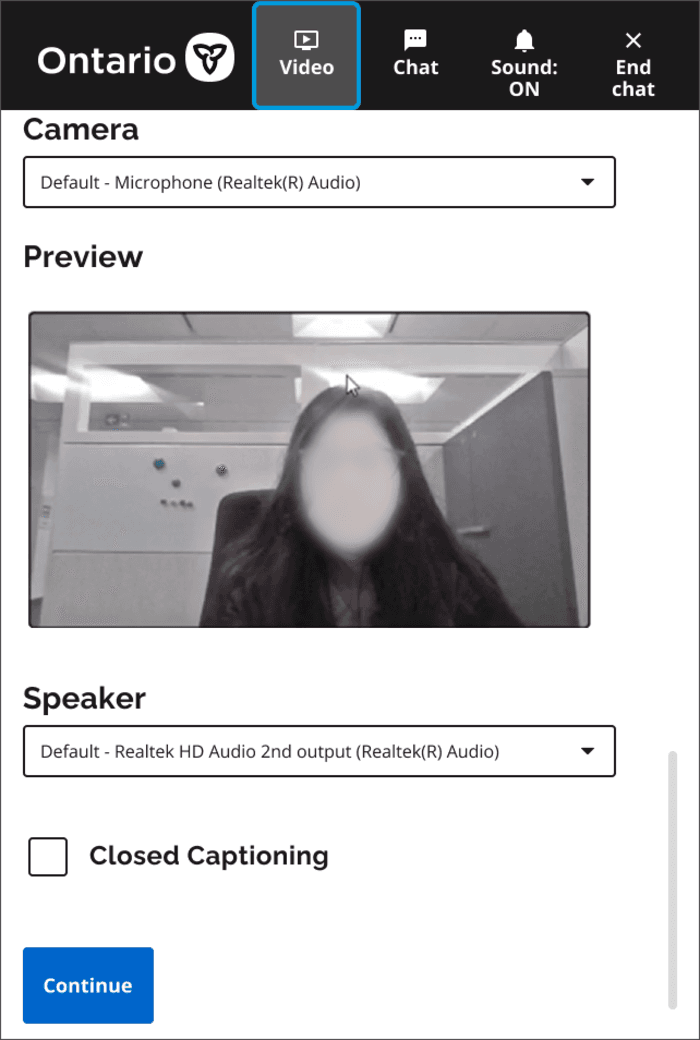
Device setup for camera, microphone, and speaker
Closed captioning and accessibility toggles
A waiting room with real-time status indicators
Smooth agent handoff from live chat to video
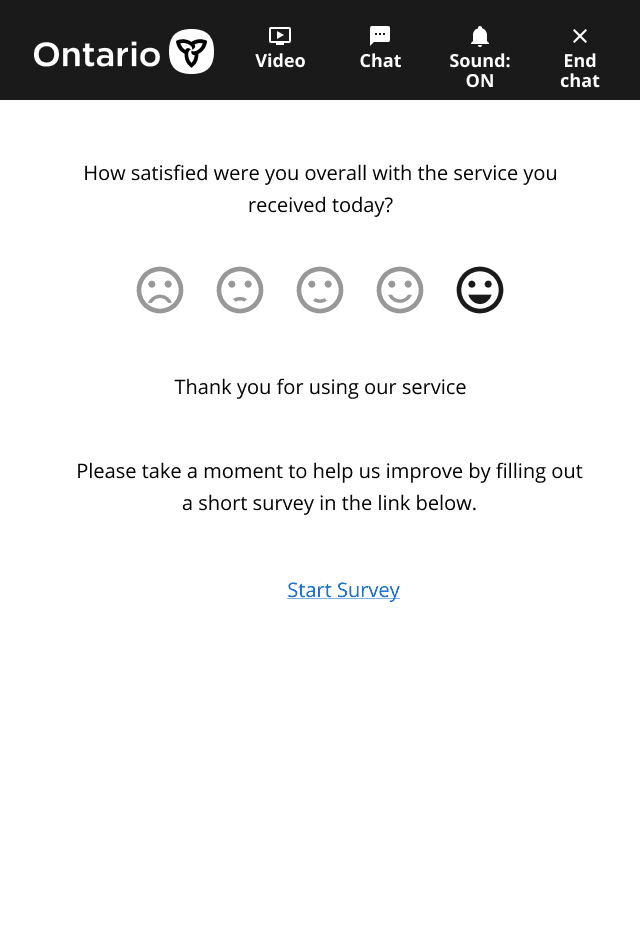
A post-chat survey to capture service quality feedback
Each screen was designed with a clear hierarchy, consistent interaction patterns, and accessible states for keyboard navigation, screen readers, and low vision users.
Validation and Testing
I validated the flow through internal testing and collaborated with engineering during UAT in AWS to ensure:
Reliable performance
Accessible interactions
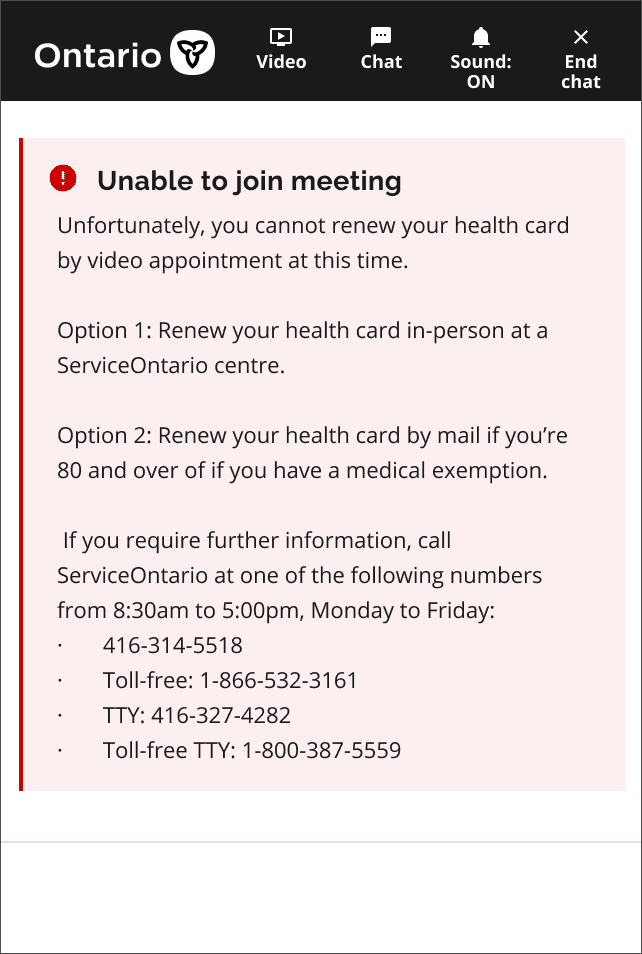
Accurate error handling
Smooth agent availability logic
This ensured the experience aligned with real citizen support scenarios.
Solution
The final design introduced a streamlined and accessible video chat escalation experience that allowed citizens to connect with support agents in real time without confusion or technical barriers.
Key Improvements
Clear onboarding and consent steps that built trust
Accessible device setup with captioning and audio controls
Predictable transitions between chat and video
A structured waiting room that reduced drop-offs
A post-chat survey enabling continuous improvement
Impact
Support requests dropped by twenty-two percent after launch
Internal teams reported smoother agent handoffs
Citizen satisfaction increased, and abandoned sessions decreased
Stronger alignment across policy, engineering, and accessibility teams
The redesign successfully balanced usability, accessibility, and technical constraints in a high-impact public service environment. It demonstrates how thoughtful UX can meaningfully improve government service delivery.
What I Learned
Designing for government services requires navigating complex constraints while advocating for user needs. Clear communication, accessibility-first thinking, and strong cross-functional alignment are essential for delivering reliable and inclusive experiences at scale.